Cali Tech Tweak: Building a One-Handed Keyboard for Super Productivity
Ever feel like your work just stops dead? Always flicking between your keyboard and mouse, like you’re stuck on an L.A. freeway trying to change lanes? That frustrates anyone. Traditional two-handed keyboard use, that constant hand dance, seriously drags down your speed. What if you could keep one hand on the mouse and still hit every key? That’s the big idea. The One-Handed Ergonomic Keyboard. It’s all about slashing those wasted moments and cranking up your efficiency.
Comfort First, Always
Look, comfort is everything. Especially when you’re busting out code or creative stuff for hours straight. Regular keyboards? Not always tailored for your hand. This gadget? Totally different. Because it’s designed around how your hand naturally sits.
Imagine it. Molded perfectly for your left hand, with a sweet curve for your palm and a little dip for your wrist. This isn’t just for looks. It’s truly about cutting down strain and fatigue during those marathon work sessions. Every angle, every button? Planned out. Less awkward stretches. More chilled posture. And another thing: It’s a total game-changer for digital folks who just want a comfy spot for their fingers.
One Hand, More Speed
The biggest perk? Speed. Think about it. Every single time you lift a hand from the keyboard to grab your mouse, then bring it back? Those are lost milliseconds. They pile up. A single-handed setup? One hand glued to your mouse. The other? Handling the entire keyboard. Easy.
This is no tiny adjustment. This is a fundamental shift in how you use your computer. Because by merging keyboard and mouse actions, you ditch a bunch of pointless movements. The goal? To match or even beat the average 200 characters per minute (CPM) typing speed, but with seamless mouse control, which just boosts everything.
3D Printing? A Total Must-Have
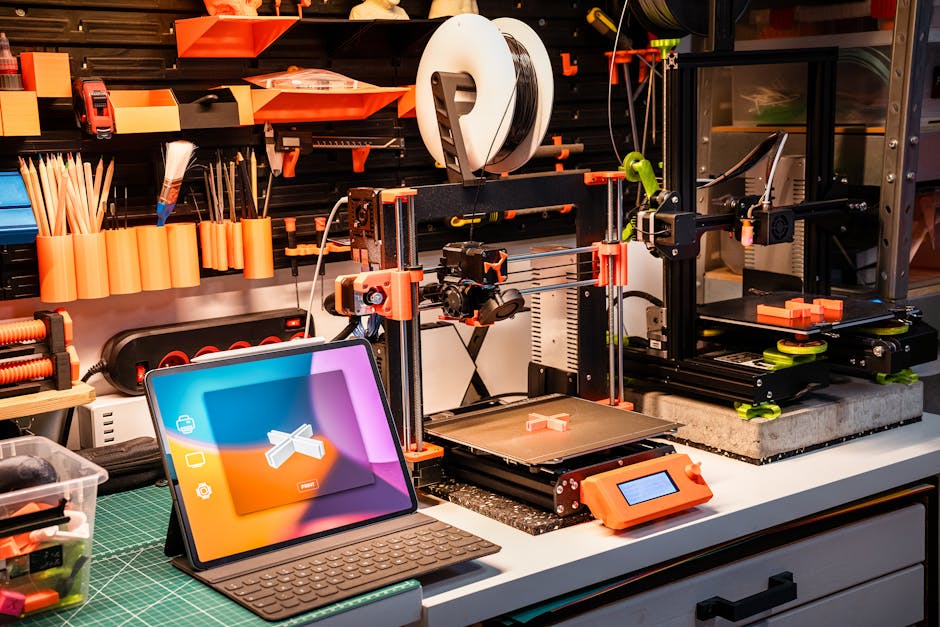
So, building something this custom? Not something you mass-produce right away. This is where 3D printing shines brighter than a California summer. The ability to prototype fast. To test. To tweak, and constantly improve a physical design. That’s how you hit true ergonomic perfection.
Using tough stuff like ABS. Print those custom keyboard shells. Test them. Adjust them. Until they fit like a glove. This quick-fire method lets you fine-tune button placement, joystick feel, and overall comfort. A truly personalized input machine? Made real. And it won’t even break the bank.
Small Brain, Big Power (Attiny 85)
Every good gadget needs a brain. And for this type of compact, specific input device? Something like the Attiny 85 is genius. Picture it as a mini Arduino, but packed with enough processing power for its tasks. Its small size? Perfect for tucking into a one-handed keyboard.
What makes it so good? Its super flexible programming. It hooks up straight to a computer via micro USB. Easy setup using tools like Arduino IDE. So, it’s a go-to for enthusiasts and inventors wanting specialized gear without needing some huge, complicated board.
Blending Joysticks and Buttons
This isn’t just a basic keypad. The true magic happens when you mix simple digital inputs with smooth, analog controls. Picture it: four distinct buttons for your fingers. Then a thumb-controlled joystick for full movement. Digital inputs? On or off. Simple. Like hitting a key. But analog? That’s where it gets interesting.
A joystick gives subtle info. Exact X and Y spots. It knows if you nudge it slightly left, dragged it up, or slammed it to a corner. This precise input density means fewer physical bits can do a surprisingly wild number of commands. Combine a finger press with a specific joystick angle? Bam! You just made a unique shortcut.
Map It Your Way. Seriously
Here’s the deal: one size absolutely does not fit all. What feels right for you might be completely goofy for someone else. So, custom key mapping? Essential. The keyboard’s little brain knows the raw inputs from the joystick and buttons; you decide what those inputs actually do.
Want a common letter like ‘E’ just a quick flick of the joystick away? Maybe a less used command tied to a button-and-joystick combo? Because defining your own shortcuts is key. This personalized approach? Plus constant testing. It makes sure the device evolves to perfectly match your workflow and comfort. Start with a basic layout. Then refine it. Make it truly yours.
Takes Time, Totally Worth It
Let’s be honest: learning any new way to type takes some effort. Think about going from QWERTY to Dvorak, or even to a gaming keypad. Your hands have years of memory. Initially, your speed on a one-handed ergonomic keyboard might be slower. Like, maybe 97 characters per minute when you’re really concentrating.
But here’s the promise. Master the layout, get those finger and thumb movements to be automatic, and then? Benefits! No more hand-juggling between mouse and keyboard. No more awkward pauses. The long-term efficiency boost—not just quicker typing but a slicker flow to your work—is where this smart design truly shines. It’s an investment. For smoother, faster, and just more enjoyable computer time.
FAQs You Probably Have
What brain does this thing use?
It uses the Attiny 85 microcontroller. It’s perfect for small custom input tools. Think of it like a mini Arduino.
How does it mix the joystick and buttons?
Four buttons for your fingers: those are on/off. And a thumb joystick. That gives X and Y coordinates. Mix a button press with a joystick move, and you get tons of command options. Boom.
Typing speed? Start slow, get fast?
Yep. Initially around 97 characters per minute (CPM). Which is less than your usual 200 CPM on a regular keyboard. But with practice and fitting it to you? You’ll speed up significantly. Because you chop out all that time wasted switching between mouse and keyboard.